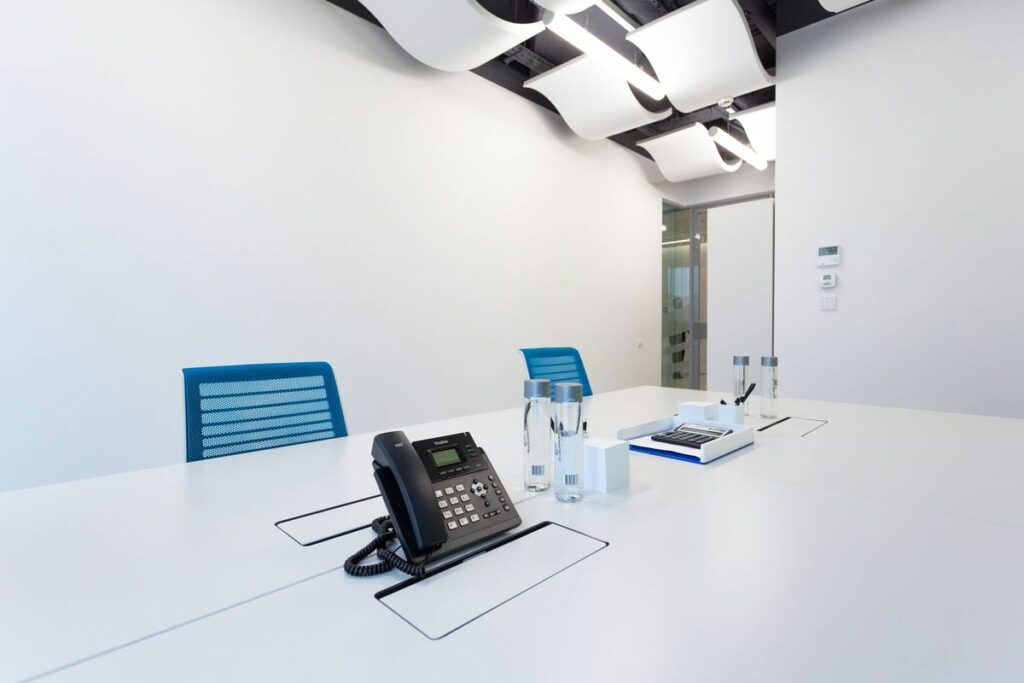
Your current phone setup is bleeding time, money, and customer trust. Dropped calls during sales demos. Voicemail chaos. Bills that spike with every new hire. And scaling? Forget it—adding a line feels like rewiring your office. The good news? cloud phone system basics aren’t just for tech giants anymore. Modern solutions are plug-and-play, predictable in cost, and built for real-world teams—not IT departments.
Why Legacy Phone Systems Are Costing You More Than You Think
On-premise PBX boxes look sturdy—but they’re anchors, not assets. Maintenance contracts bleed cash. Hardware fails without warning. Remote work? Good luck routing calls to an employee’s kitchen table. And let’s talk scalability: hiring two people shouldn’t trigger a $5k infrastructure overhaul.
Here’s the reality: traditional systems were designed for a world where everyone sat at a desk from 9 to 5. That world is gone. Yet many businesses cling to copper lines out of habit—not strategy.
Cloud Phone System Basics: A No-Fluff Implementation Roadmap
Deploying a cloud phone system isn’t about swapping hardware. It’s rethinking communication as a service—one that scales with headcount, geography, and ambition.
Selecting Your Provider: Beyond the Brochure Specs
Ditch the feature checklist frenzy. Ask: “Can this system survive our worst day?” Look for automatic failover, mobile app parity (not just a stripped-down version), and true number porting—not “we’ll try.” Bonus points if they offer usage analytics out of the box.
Migrating Without Meltdowns
Most switchovers fail because companies cut over all at once. Don’t. Run parallel systems for one billing cycle. Train super-users first—then let them coach their teams. And test emergency calling early; 911 routing quirks sink more launches than codec mismatches.
Optimizing for Real Human Behavior
Employees will default to what’s easiest. If your cloud phone app logs them out after 10 minutes of inactivity, they’ll abandon it for Slack DMs. Configure presence indicators that reflect actual availability—not just calendar sync. And enable click-to-call from CRM records; friction kills adoption faster than bugs.

| Factor | Traditional PBX | Cloud Phone System |
|---|---|---|
| Upfront Cost | $3,000–$15,000+ | $0–$300 (per device) |
| Monthly Cost per User | $20–$50 (plus maintenance) | $15–$35 (all-in) |
| Setup Time | 2–6 weeks | 1–3 days |
| Remote Work Support | Limited or add-on | Built-in, native |
| Scaling New Users | Days + hardware order | Minutes via admin panel |

The Hidden Leverage: Your Phone System as a Data Engine
Almost no one talks about this—but your cloud phone system logs every interaction: hold times, call abandonment rates, peak hours by department. One e-commerce client fed this data into their workforce management tool. Result? They reduced average wait time by 42% just by shifting two part-timers’ schedules—no new hires. That’s operational intelligence hiding in plain sight. Stop treating your phone system as a utility. Start mining it like a sensor network.
Frequently Asked Questions
What exactly are cloud phone system basics?
They’re internet-based telephony services that replace physical PBX hardware with software hosted in secure data centers—delivering calling, voicemail, auto-attendants, and more via apps and web dashboards.
Do I need special phones for a cloud system?
Not necessarily. Most providers support softphones (apps on laptops/phones) and SIP-compatible desk phones. Many even let you forward calls to your existing mobile number during transition.
Is call quality worse over the internet?
Only if your network is poorly configured. With proper QoS settings and a business-grade ISP, cloud calls often sound clearer than analog lines—thanks to modern codecs and jitter buffering.